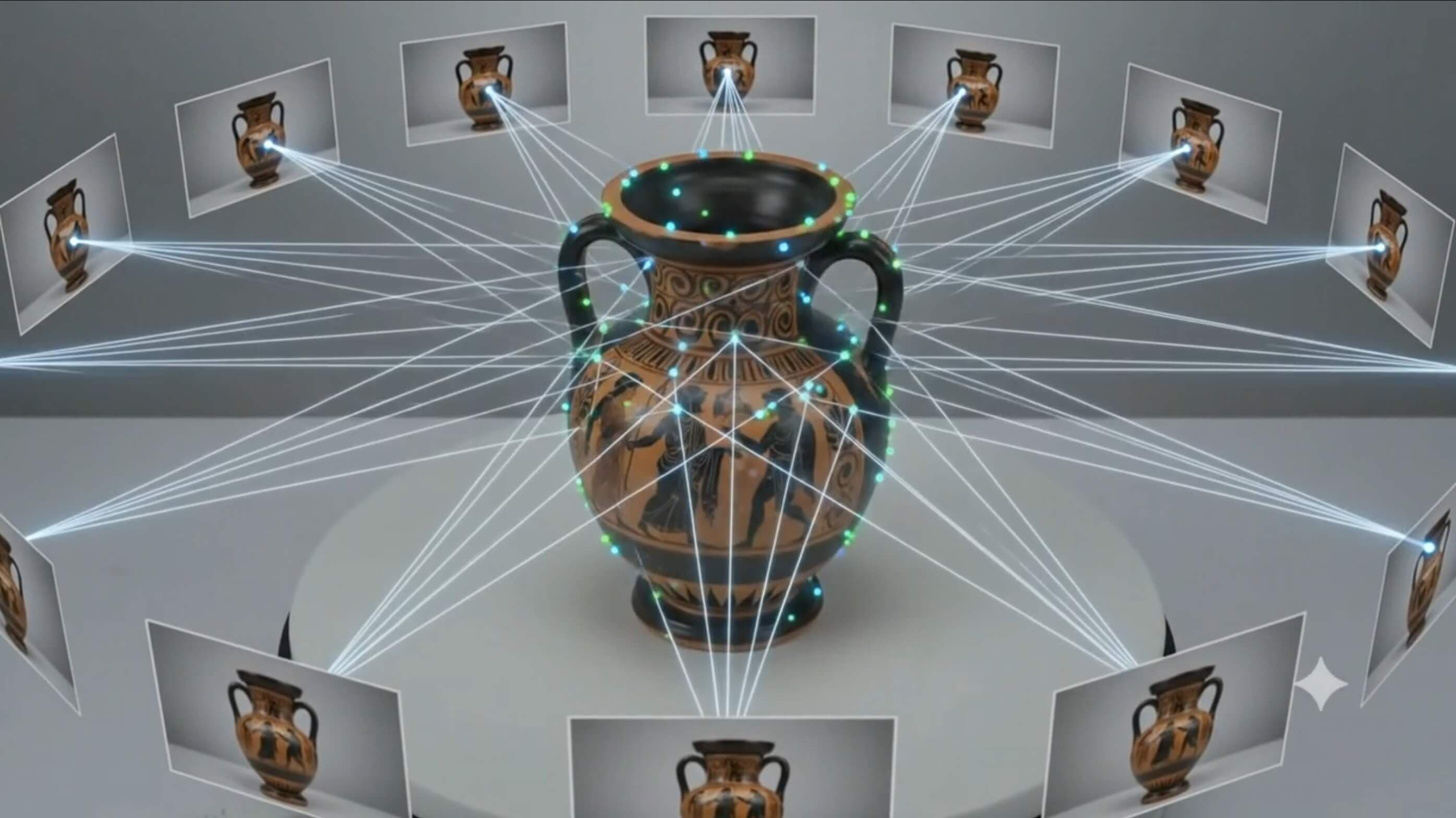
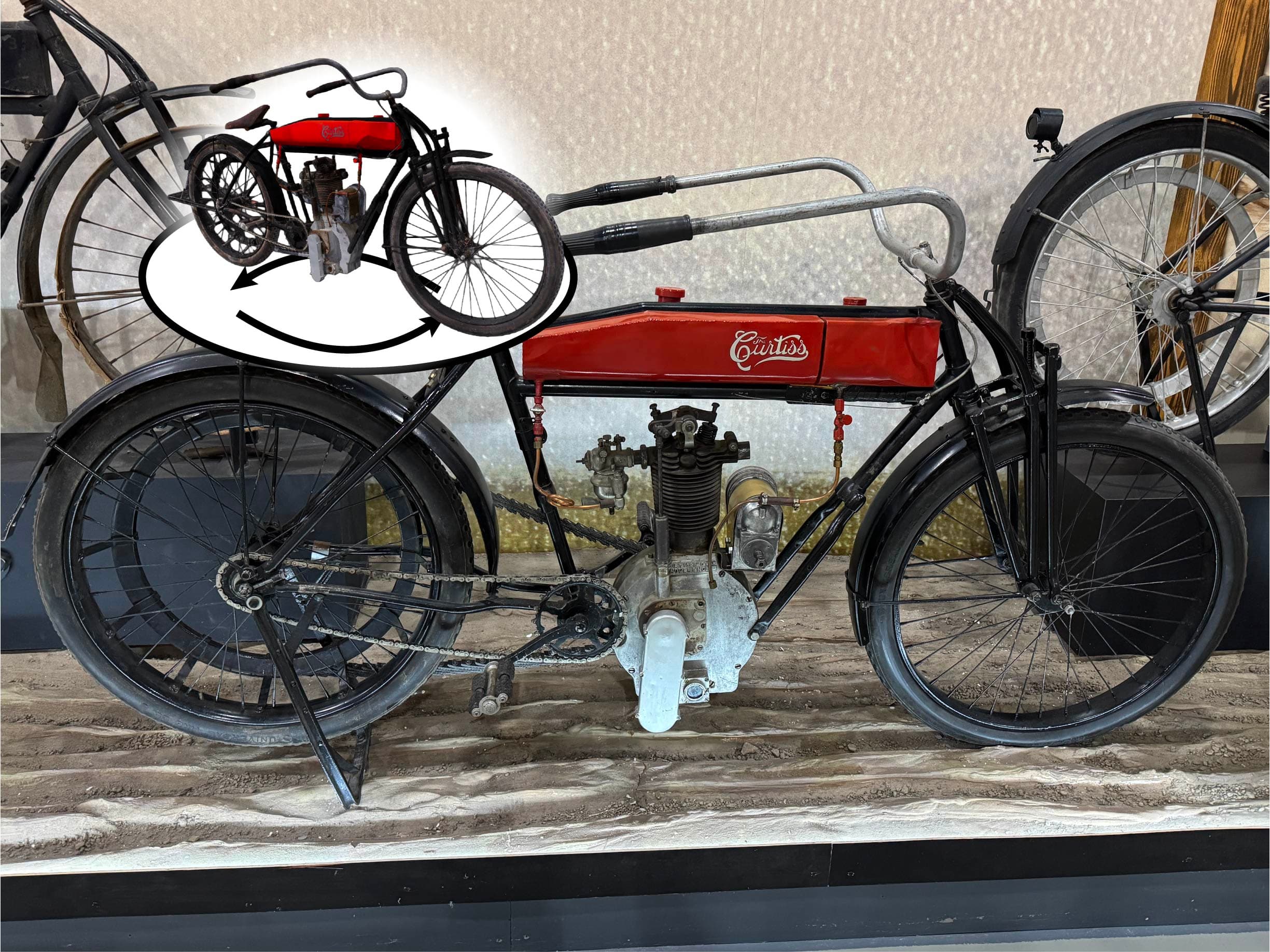
This tutorial shows our full process for setting up rig bones and animation actions on a 3D scan for both web view and augmented reality view.
The video above demonstrates the exact workflow we use to move from a raw scan to a rigged, action-ready animated asset that plays correctly across supported viewers.
What this tutorial covers
- Building the bone structure needed for clean object motion
- Creating and organizing animation actions for predictable playback
- Testing animation behavior in both web and AR playback contexts
Why this matters
When a model is intended for both web and AR, clean rig setup and clear action structure are what make playback reliable. This workflow focuses on making animation behavior consistent so the same object motion can be reused across delivery contexts.
Typical deliverables from this workflow
- An animated web-ready model for interactive viewing
- An AR-compatible asset for mobile placement and exploration
- A consistent animation behavior across target platforms
If you want help applying this process to your own collection, we can support both one-off objects and full batch production workflows.
Need Help Preparing Animated 3D Scans?
Contact us to plan a web + AR delivery workflow for your collection.
Get Started Today