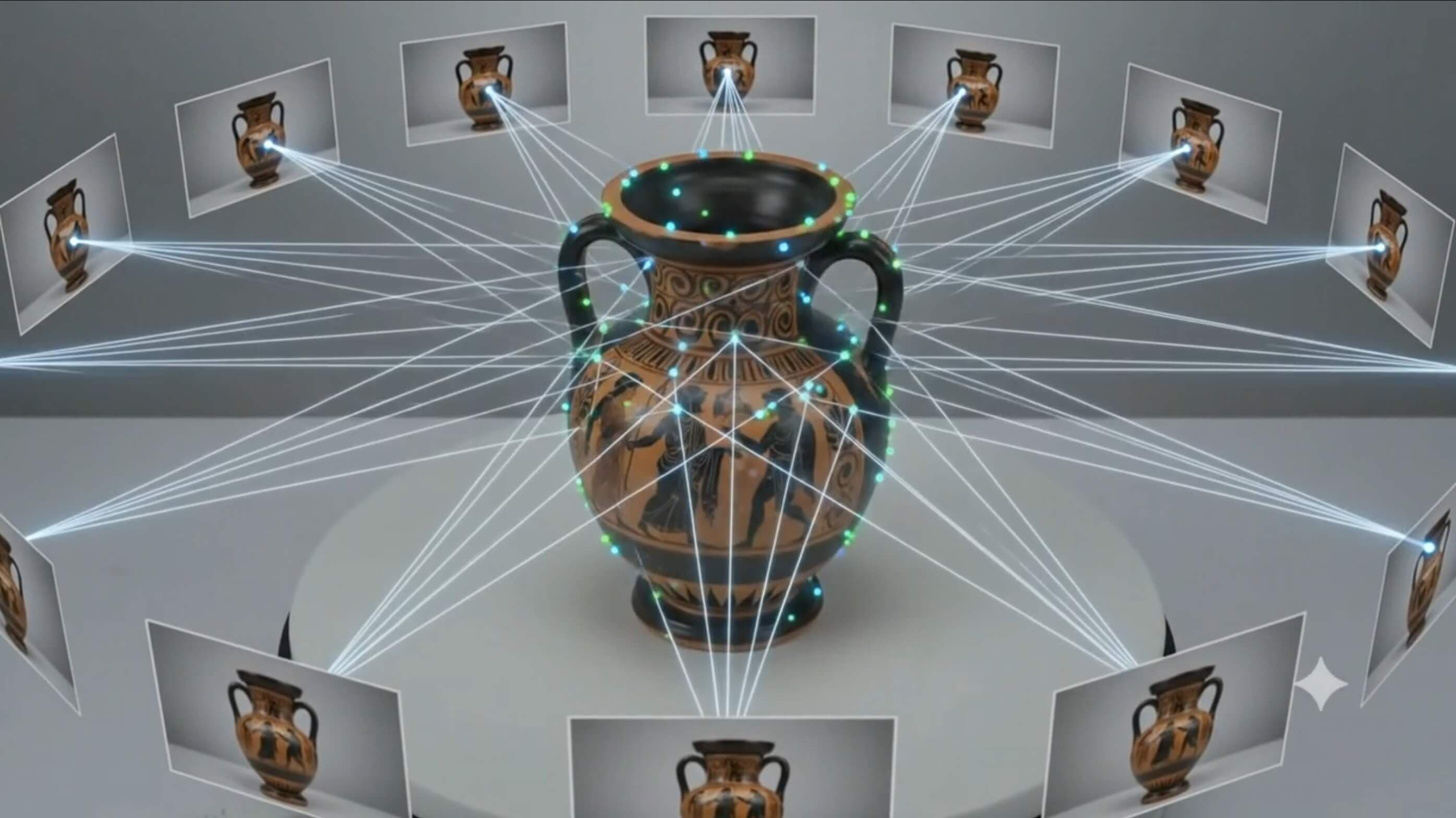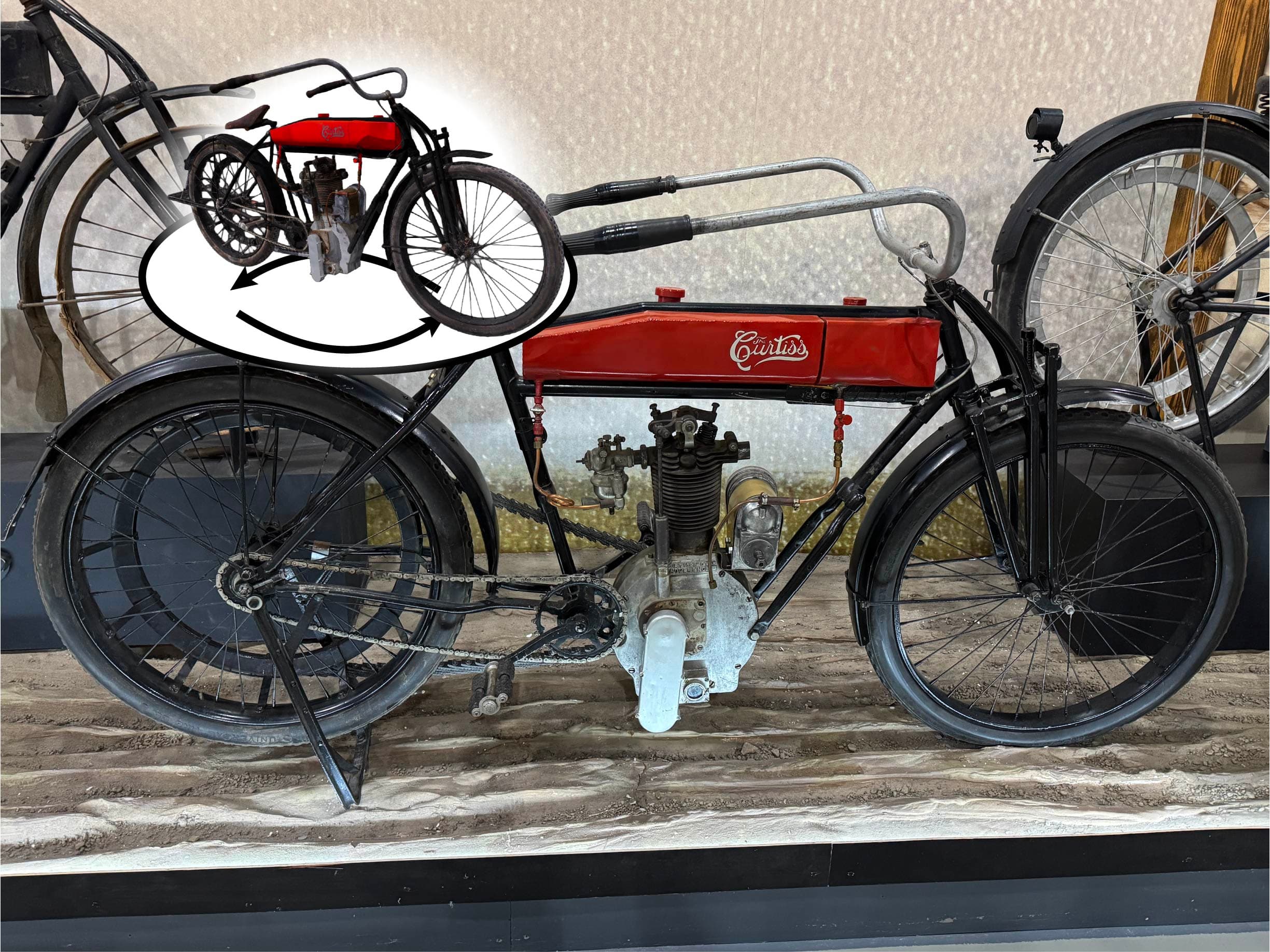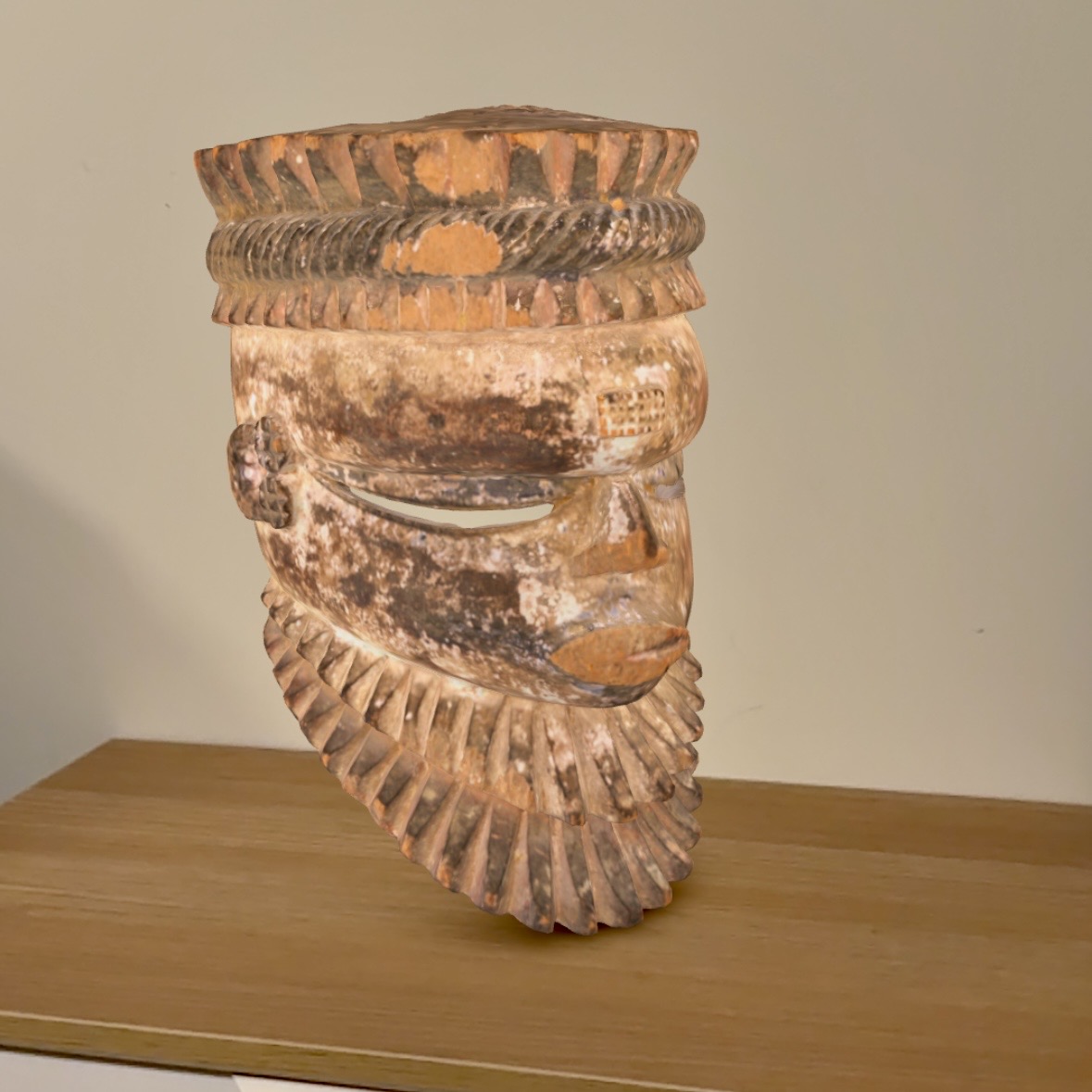
This button-based approach (direct deep links) is the cleanest modern method for launching full native AR experiences. It skips any embedded 3D viewer and jumps straight into Apple Quick Look or Google Scene Viewer.
Prerequisites
Make sure your 3D model exports are ready:
.glbfor Android Scene Viewer.usdz (or .reality)for iOS AR Quick Look
Step-by-step guide
1) Upload files
Go to Media -> Library, upload both
.glb and USDZ files, and copy their direct URLs.If WordPress blocks
USDZ uploads, add MIME-type support via your theme's functions.php or use the free AR for WordPress plugin.2) Add to any page or post
Open your page or post, then add a Custom HTML block and paste this code (replace both URLs):
html
<!-- Apple AR Quick Look Button (USDZ) -->
<a href="https://your-site.com/wp-content/uploads/YOUR-MODEL.usdz"
   rel="ar"
   style="display: inline-block; padding: 14px 28px; background: #000; color: #fff; text-decoration: none; border-radius: 8px; font-weight: bold;">
   📱 View in AR (Apple)
</a>

<!-- Android Scene Viewer Button (.glb) -->
<a href="intent://arvr.google.com/scene-viewer/1.0?file=https://your-site.com/wp-content/uploads/YOUR-MODEL.glb#Intent;scheme=https;package=com.google.android.googlequicksearchbox;action=android.intent.action.VIEW;S.browser_fallback_url=https://developers.google.com/ar;end;"
   style="display: inline-block; padding: 14px 28px; background: #34A853; color: #fff; text-decoration: none; border-radius: 8px; font-weight: bold; margin-left: 12px;">
   🤖 View in AR (Android)
</a>
3) Done
- On iPhone/iPad (Safari), the Apple button launches native AR Quick Look.
- On Android, the Android button launches Google Scene Viewer in AR.
- The buttons stay clean, fast, and mobile-friendly.
Tips
- Style the buttons however you like (for example, switch to your own CSS classes).
- If you want one "View in AR" call-to-action, keep both options nearby and label clearly, or add lightweight device detection.
- Add a preview image or thumbnail above the buttons for better UX.
- For easier Gutenberg editing, the free AR for WordPress plugin also supports this direct-link method.
If you Scanned with Museum Scan
You can find all of the
.glb and USDZ files in the 'AR/VR Models' folder of your delivery.All Object Stories Techpack packages include the required files under the URL:
https://your-site.com/your-teckpack/arvr-models/
The specific file paths will be included in your delivery, so you can skip right to step 2.
Need Help Embedding AR on WordPress?
If you want help implementing AR buttons for your specific model pipeline, we can help you set up, test, and launch quickly.
Get Started Today