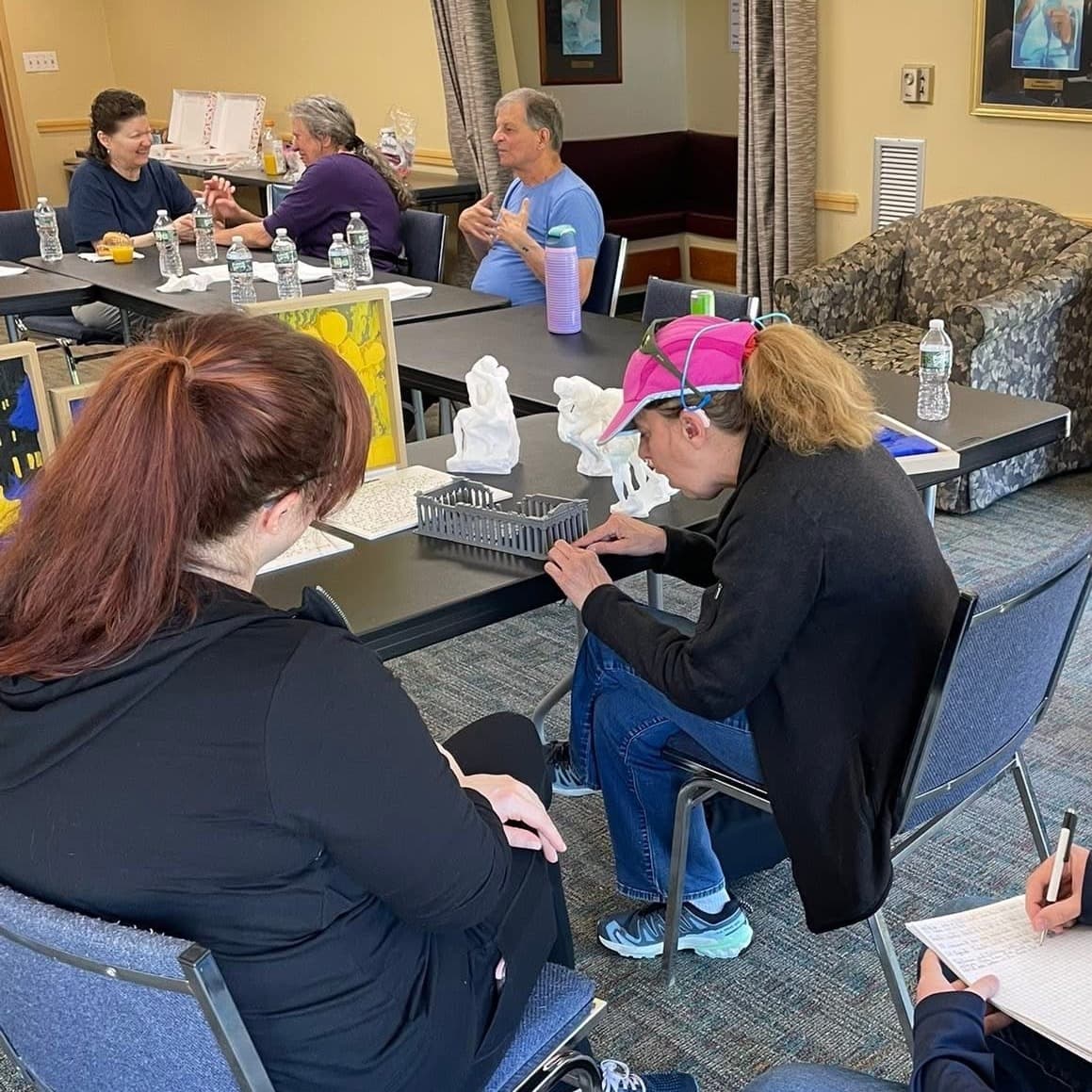
At the first resource seminar we ran at the Carroll Center for the Blind, a student stayed after to learn more and asked a simple question: did we have a business card they could read by touch? We didn't, and we couldn't stop thinking about it afterward. That one question sent us down a long rabbit hole of braille manufacturing techniques, and five prototypes later we had a free braille business card generator to share.
Why braille business cards are harder than they should be
Handing someone a business card is a small, ordinary gesture, but for a blind or low-vision person a standard card carries no information they can reach on their own. They end up asking a sighted person to read it later, or the contact simply gets lost. Braille on the card solves that, and it has always been possible to add. The real obstacle is cost and effort: small runs are expensive, and the DIY route means either drawing every dot by hand with a stylus or paying a significant amount up front.
Braille itself sets some hard limits worth knowing up front. On a standard card you get about four lines, roughly 13 to 14 characters per line including spaces. That's enough for a name, a phone number, an email, and maybe a title. The dot size and spacing are fixed by the braille standard, so you can't shrink it to fit more. Plan the content for four short lines and you'll be fine.
The professional options
If you want someone else to handle it, several established shops do good work.
The Braille Superstore is a great option for medium size runs of embossed business cards. Embossing braille onto cards starts at a $60 minimum that covers up to 250 cards. Add $50 if you want them to print the cards too. A run of 500 is $83 for embossing plus $70 for printing. Return shipping is extra. That works out to somewhere between $0.24 and $0.50 per card before printing, which is reasonable at volume and expensive for a handful.
GetBraille takes a different approach. Instead of embossing the card stock, they apply a clear adhesive braille overlay to a printed card. The braille sits on top, the print stays readable underneath, and the overlay resists wearing down. They also offer full-service printing where they produce the cards and apply the overlays. You'd need to contact them for current pricing.
If you want a finished product with no equipment and no fuss, any of them will take good care of you. The common tradeoff is the same across the board: a setup or minimum fee that makes small orders costly per card, a few days of turnaround, and shipping on top. If you need 500 cards and can wait a week, that math works out nicely. If you need 20 by this afternoon, it doesn't.
The DIY options
If you'd rather make them yourself, there are a few paths, each with a catch.
A braille slate and stylus is the cheapest entry point. An aluminum business-card slate with a stylus starts around $7, and you punch each dot by hand. It genuinely works, though it's slow going and the quality depends a lot on your touch.
If you already own a braille embosser, you can print text on Avery card stock and run it through the machine. The stock runs about 20 to 25 euro per 250 cards. The catch here is the machine itself, which costs thousands, so this really only makes sense if you already have one.
Then there's 3D printing, which is where our tool lives. Good work already exists here. There's a Braille Business Card Maker on Printables, an Instructables walkthrough for a double-sided printed card, and an OpenSCAD approach where you edit a script and render an STL. There's also a 3D-printed slate and stylus on Thingiverse. These are genuinely useful projects, and depending on your use case they may be the way to go.
The catch with the existing options is the same one that runs through all of DIY. Either you 3D print every single card, which is slow and leaves you with rigid cards that don't stack, or you make them by hand with a stylus, one dot at a time.
Where our generator fits
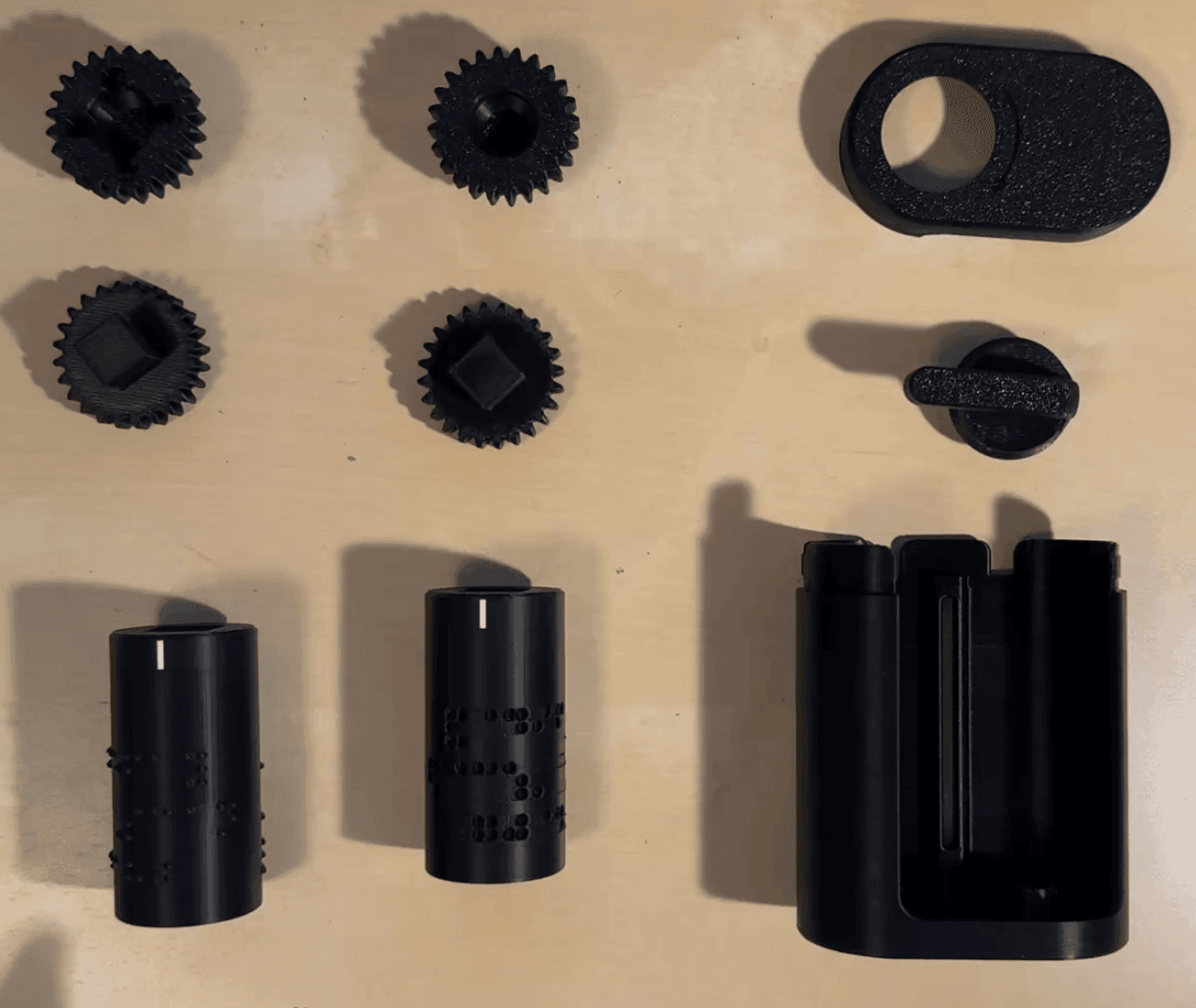
We wanted an affordable but automatic system, without the per-card printing. So we built a web generator that takes your text and outputs an embossing roller. You print the roller once, drop it into a small 3D-printed assembly, and feed standard business cards through it to press the braille in. There's no code to edit and nothing to resin-print for each new card. You make the roller a single time, then emboss as many ordinary cards as you like.
Click to view larger
The roller pairs with the Business Card Embosser base assembly on MakerWorld, the same hardware the generator is built around. Print that once, then generate a matching roller for whatever text you need.
The best part is how cheap and simple it is. The parts print on any desktop 3D printer and snap together in a few minutes, no glue or hardware required. You only need the printer once. After that, the marginal cost is a blank card and a few seconds of your time, so you can make as many embossed cards as you need, whenever your details change. The roller does the important work: as you crank a card through, it applies uniform, consistent pressure across the whole card, so the dots come out clean and legible every time instead of depending on how hard you pressed by hand. No minimum order, no setup fee, and no waiting on shipping.
Try the braille business card generator
Type your text, preview the braille in real time, and download a ready-to-print embossing roller. Free, no account, and nothing leaves your browser.
Open the live generatorWhy we publish things like this
We build tools like this because the problems come up in our actual work, not as marketing exercises. Museum Scan does 3D scanning and fabrication for museums and cultural institutions, and a lot of that work is about access: tactile exhibit pieces, replicas people can handle, elements designed for visitors who can't rely on sight or a display case.
The braille card started the same way. That student at the Carroll Center asked if we had an accessible business card, one they could read by touch, and we didn't. We could have said no and moved on. Instead it seemed clear that if we didn't have a good answer, plenty of other people didn't either, and the solution wasn't complicated enough to justify the cost and friction that surrounded it. So we made one, and we're putting it out for free.
If it's useful to you, use it. We're always looking for feedback and ways to improve our designs, so if you have any questions or feedback, please email [email protected].