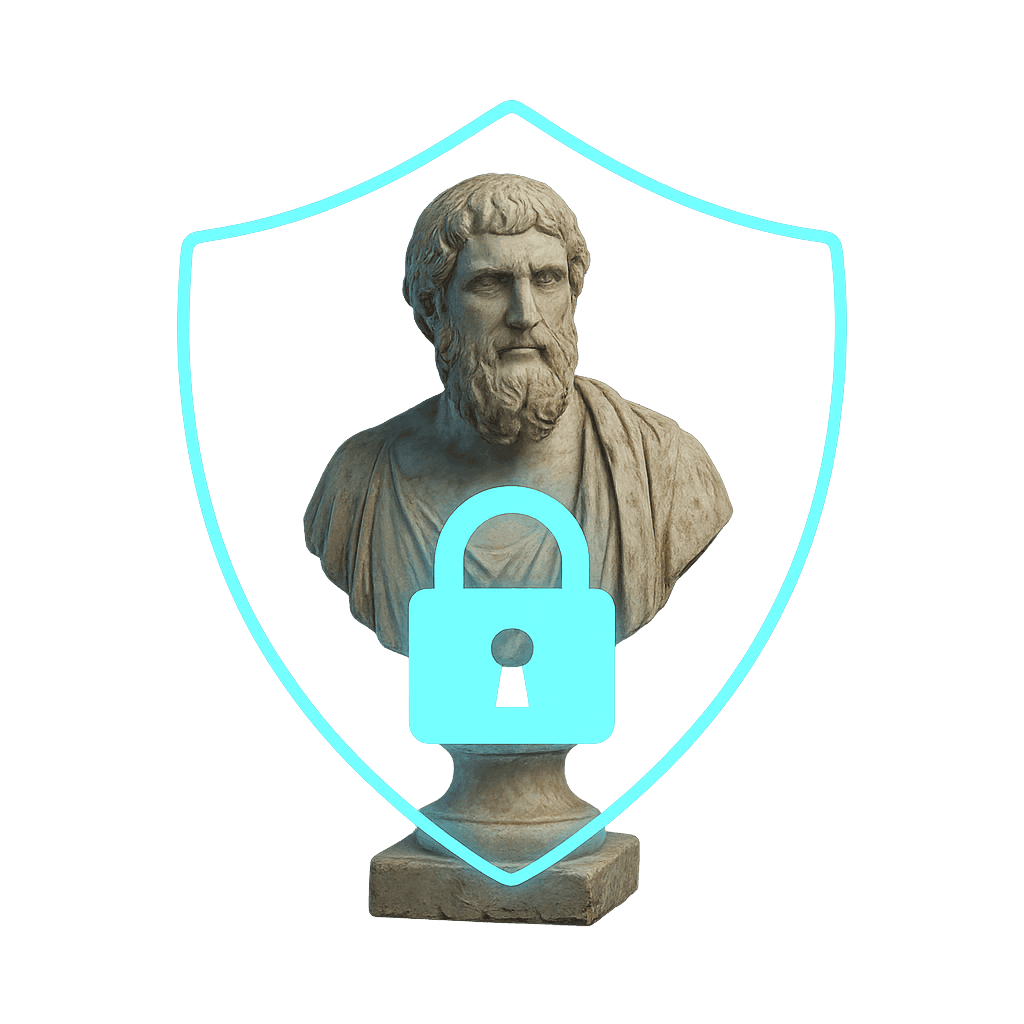
Protecting digital work is a core concern in 3D scanning, where files can circulate widely online. Watermarking and metadata techniques help ensure creators, institutions, and clients retain clear authorship and control over how their models are used. This article outlines several practical approaches for safeguarding your 3D assets.
Why watermark 3D models?
Unlike a traditional photograph or print, a 3D model can be copied, retextured, or rescaled easily. Adding visible or invisible watermarks helps:
- Establish authorship and ownership.
- Communicate terms of use or licensing.
- Deter casual misuse or uncredited reposting.
- Trace attribution when files circulate through communities or marketplaces.
Methods of watermarking and protection
1. Metadata tagging
Metadata embeds information inside the file—such as author name, copyright statement, license, or creation date—without altering the model's geometry or texture.
- Best for: Maintaining clear attribution and searchable rights data.
- Tools: GLTF/GLB metadata editors, EXIF/XMP fields, or custom JSON headers.
- Tip: Include both creator and client credits when applicable.
2. Geometric watermarking
When converting a scan to a physical print, you can inscribe small initials, serial numbers, or logos in hidden areas—such as underneath a base.

- Works well for edition control or provenance tracking.
- Should remain discreet enough not to distract from the piece itself.
3. Texture watermarking
A watermark baked into a texture map—like a translucent logo, signature, or repeating pattern—acts much like a watermark on a photograph.

- Visible or semi-transparent overlays deter misuse.
- Invisible texture marks (e.g., coded pixel patterns) can identify leaks without affecting appearance.
- For portfolio display, use lower-resolution, watermarked versions of textures while keeping full-resolution originals private.
4. Licensing and usage statements
Even simple attribution and license language can deter unauthorized redistribution.

Embedded Information Includes:
- • Creator name and contact information
- • License type and usage rights
- • Project details and creation date
- • Museum Scan verification data
- Consider using Creative Commons or institutional agreements (e.g., CC-BY 4.0 for open cultural content).
- Always state clearly what is and isn't allowed with the distributed file.
5. Low-resolution public models
For public sharing and portfolio display, using lower-resolution textures provides an effective balance between accessibility and protection.

- Performance optimization: Smaller file sizes load faster and perform better in web viewers and mobile devices.
- Visual quality: The model appearance remains virtually unchanged at normal viewing distances and angles.
- Detail protection: Fine surface details and textures are only visible on closer inspection, protecting high-fidelity data.
- Professional access: Full-resolution models remain available for industrial, academic, or commercial applications through controlled distribution.
Balancing accessibility and protection
Public sharing of scans can build visibility and engagement, but creators should set clear boundaries. Using layered protection: metadata, texture watermarking, and selective release of low-resolution models strikes a balance between openness and security.
At Museum Scan, we apply industry-grade watermarking and attribution standards across all deliverables: combining metadata, visible and invisible watermarks, and secure delivery methods suitable for professional archives, museum collections, and other high-integrity environments.
Protect Your 3D Work with Confidence
Explore our 3D scanning and digital preservation services to safeguard your digital assets with professional-grade watermarking and security measures.
Get Started Today